M
MangoPanel Shared Hosting Control Plane
● Shared Hosting Control Plane · Live Interface Showcase

Run shared hosting with a control plane
built for real operations.

MangoPanel powers isolated account stacks, audited jobs, live mail and database tooling, and total operational visibility — explore the real control plane interface below.

Explore Live Screenshots Read the Architecture
https://demo.mangopanel.io/client/dashboard
MangoPanel Client Portal Overview Dashboard
Click to Expand Fullscreen

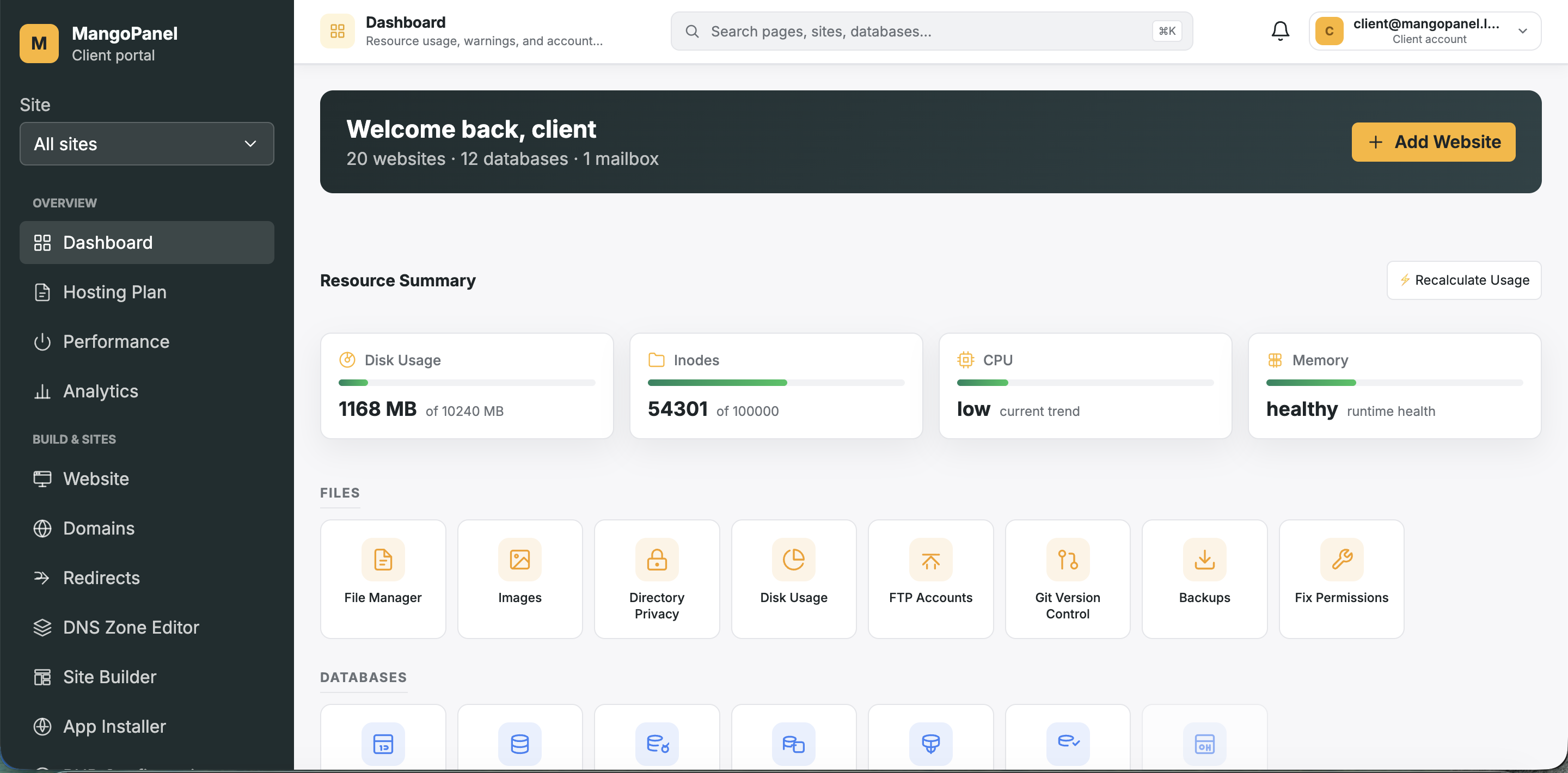
Client Portal Client Overview Dashboard

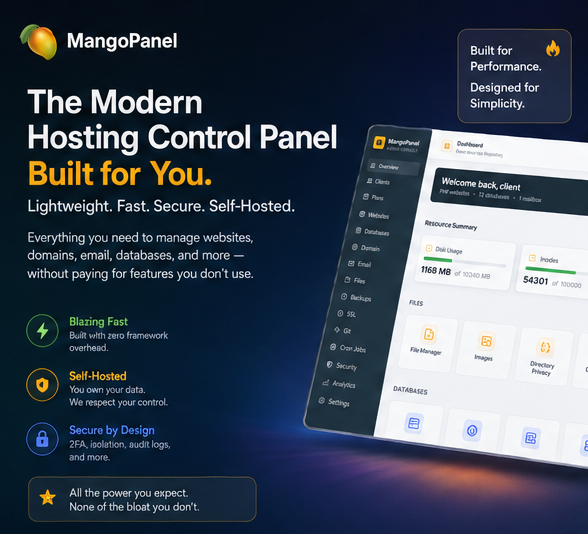
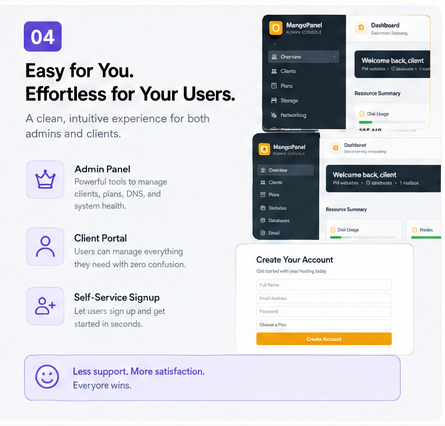
Client portal home view displaying disk, inodes, CPU and memory usage along with quick tool cards for File Manager, SFTP, Databases, and Backups.

Client Dashboard Thumbnail
Client Dashboard
Overview & Account Tools
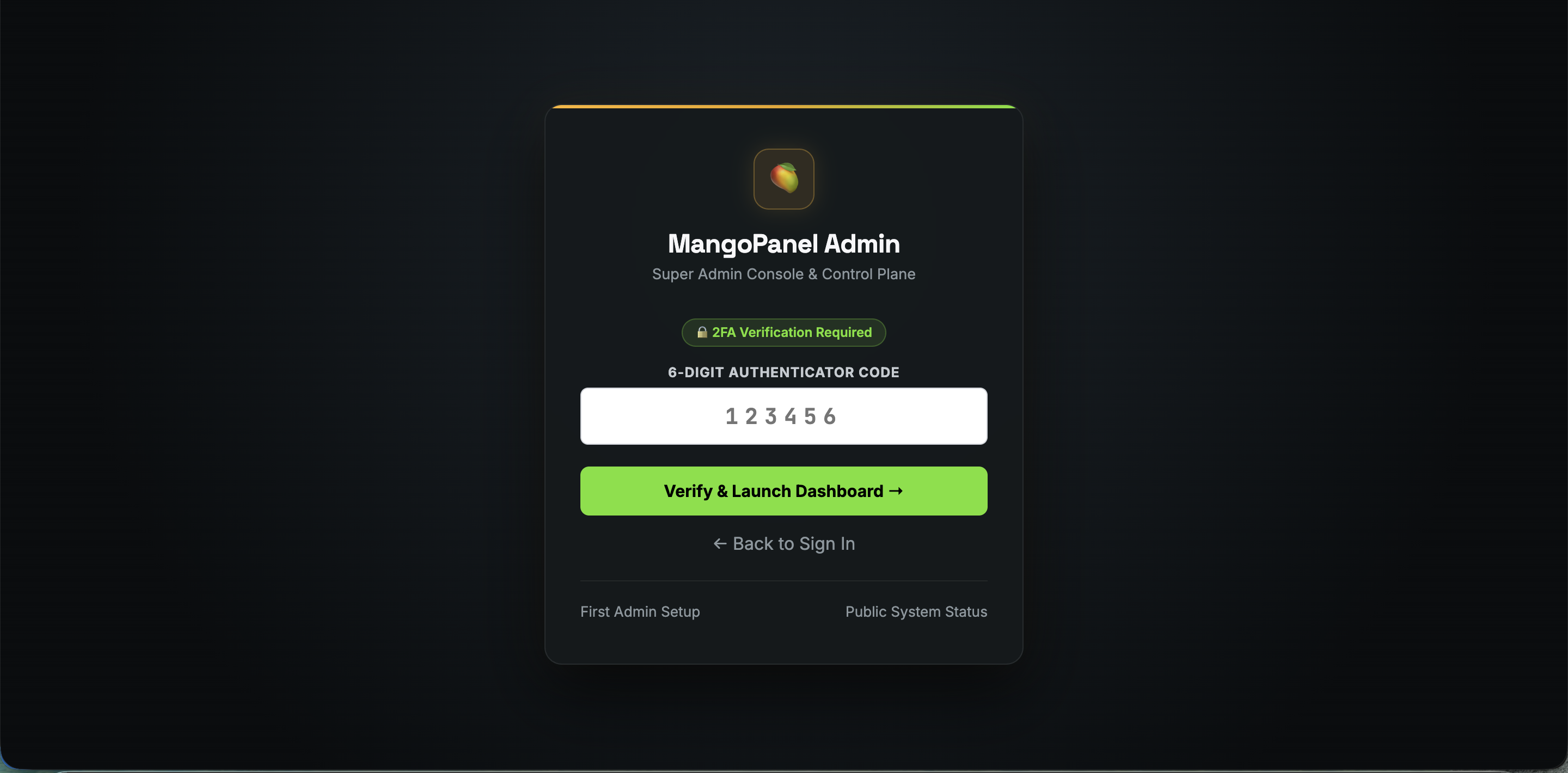
Admin 2FA Thumbnail
Admin 2FA Auth
TOTP Security Flow
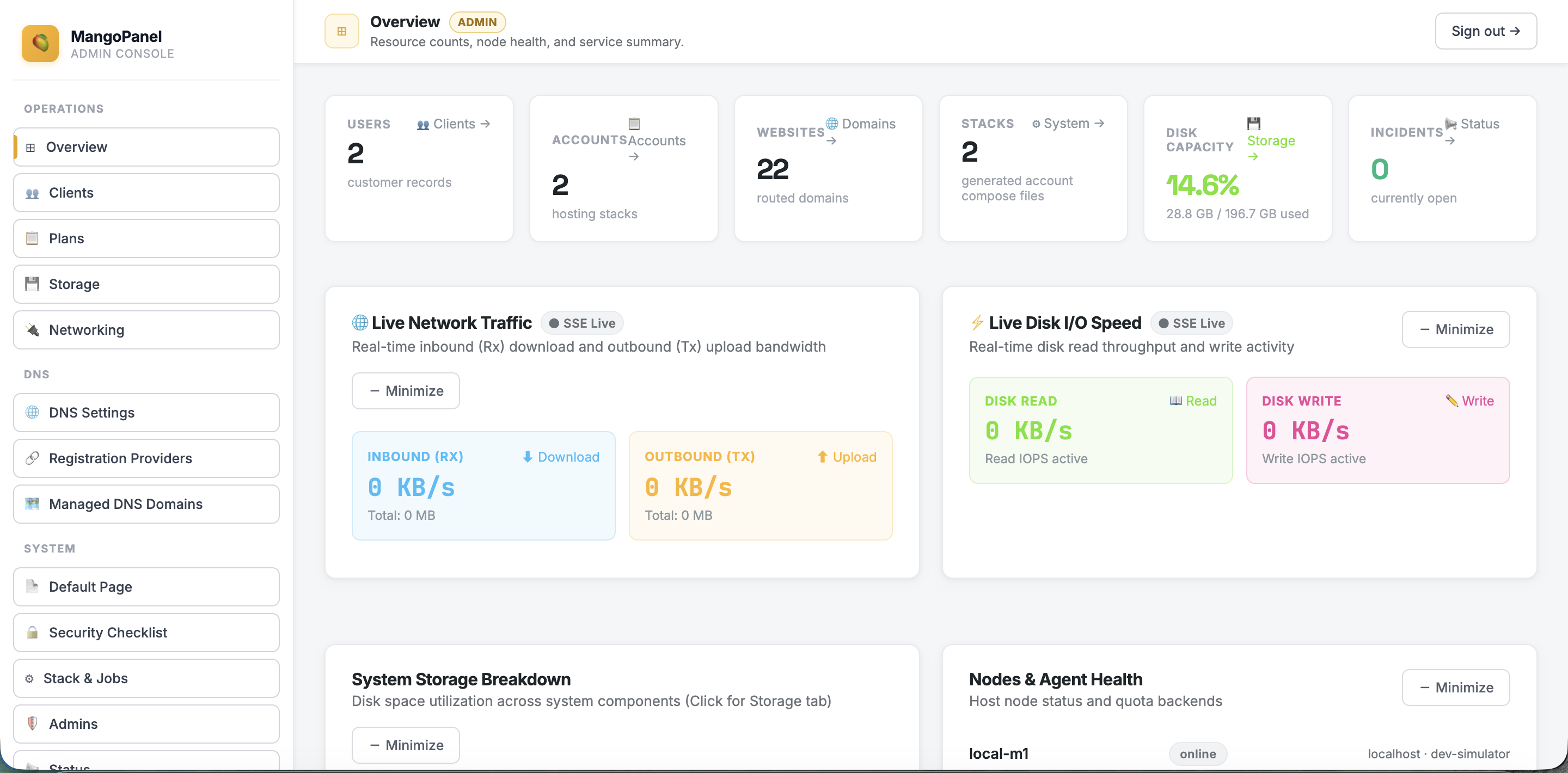
Admin Console Thumbnail
Admin Console
System Health & Stats
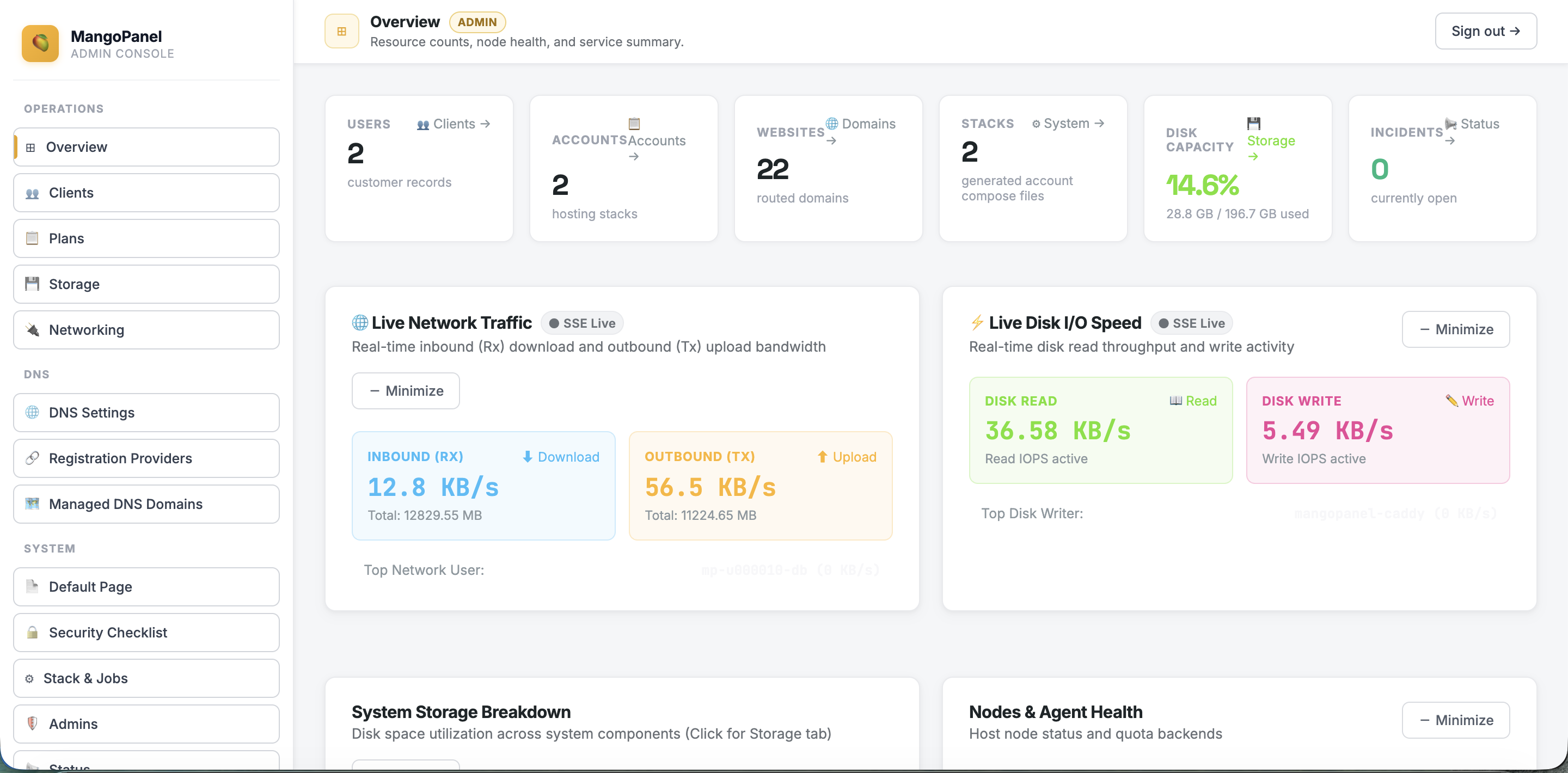
Live Telemetry Thumbnail
Live Telemetry
SSE Traffic & IOPS
Storage Analysis Thumbnail
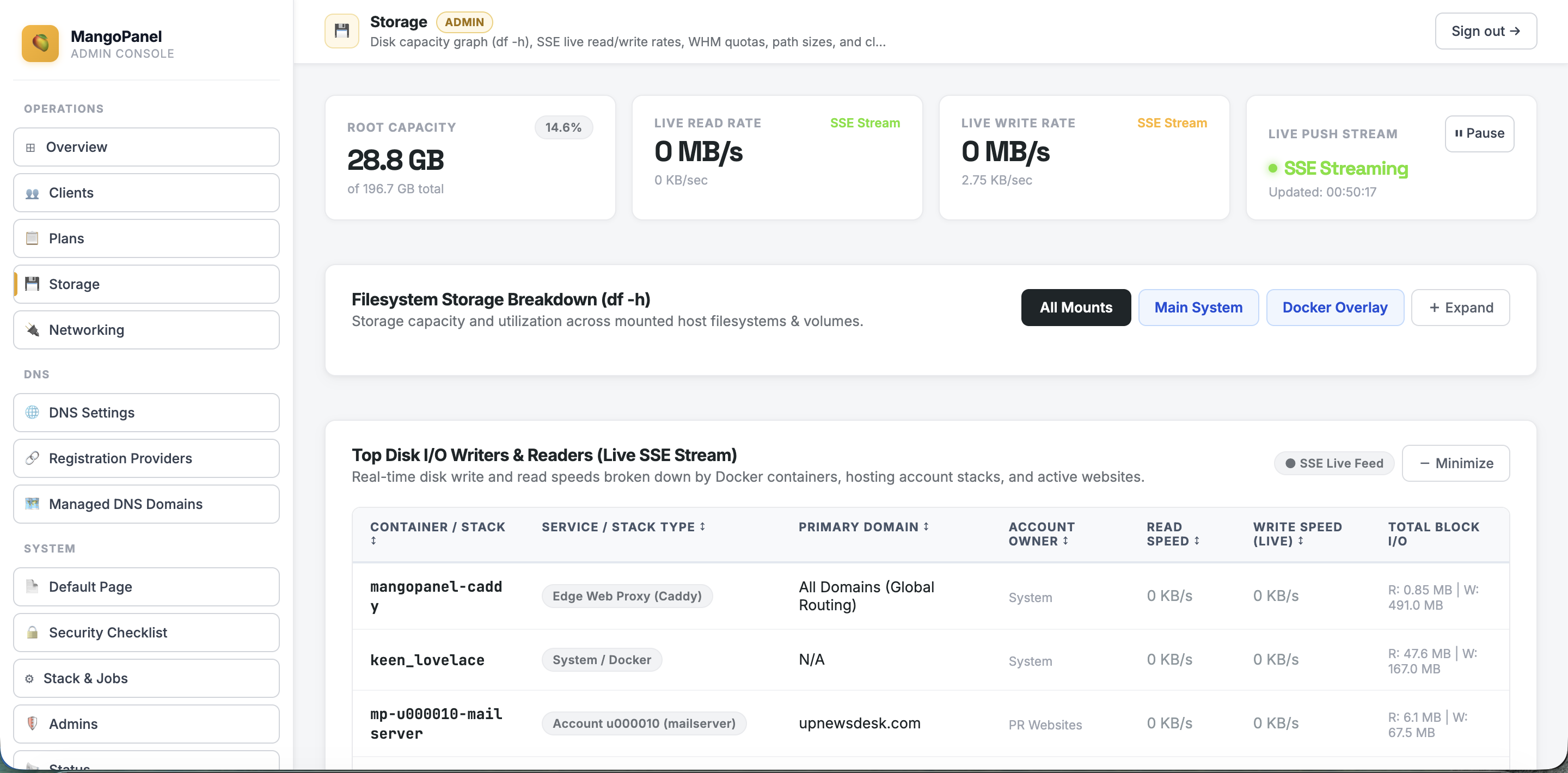
Storage Analysis
Disk Capacity & Mounts
Client Login Thumbnail
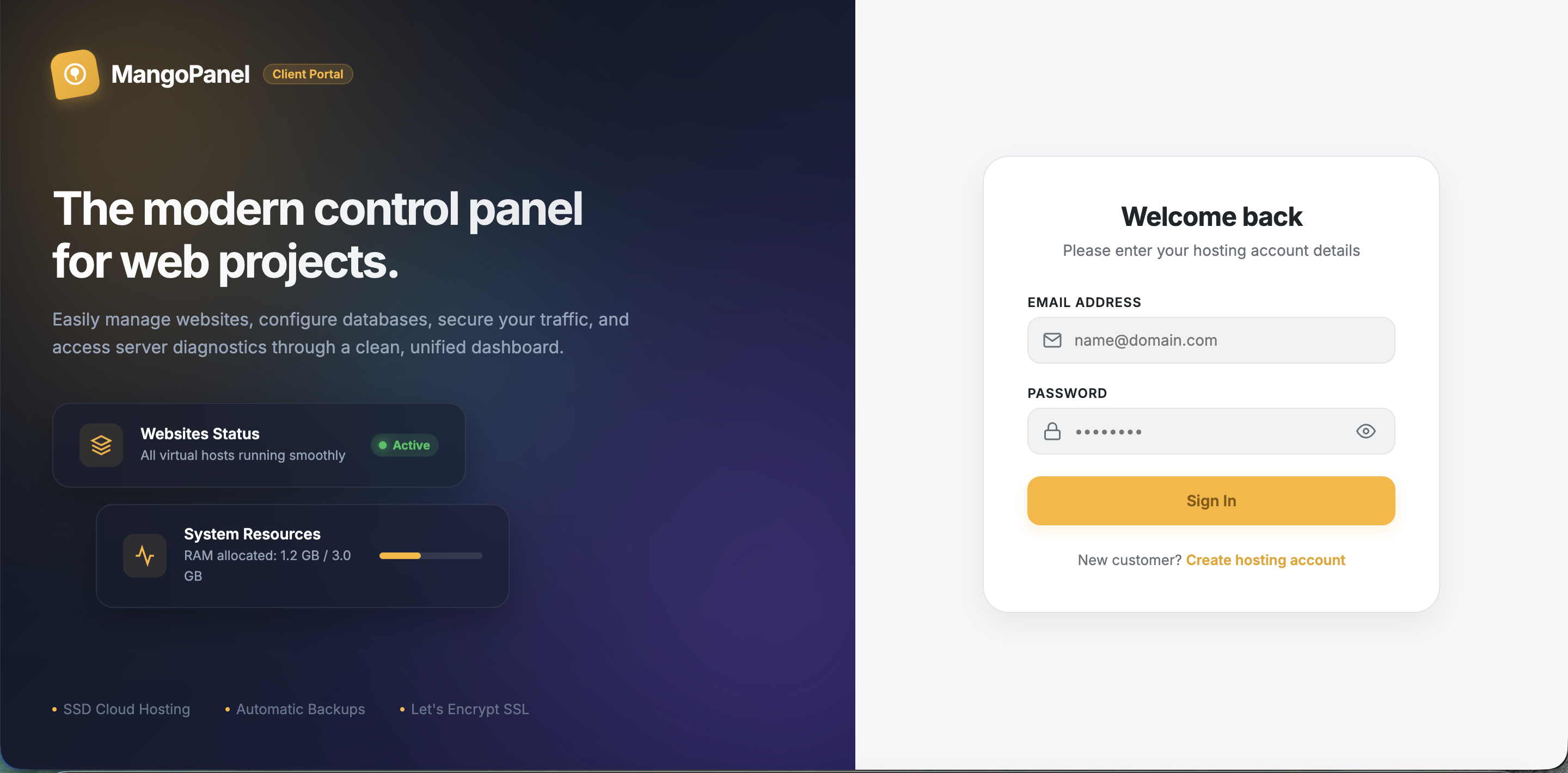
Client Login
Portal Authenticator
hPanel-Inspired UXSleek, modern client & admin UI replacing cluttered legacy panels.
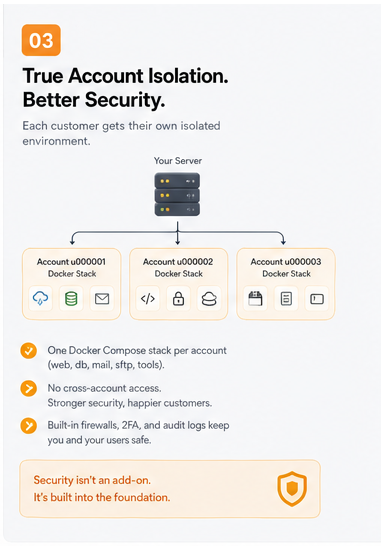
Docker Account IsolationDedicated Docker stack per account for true process & resource limits.
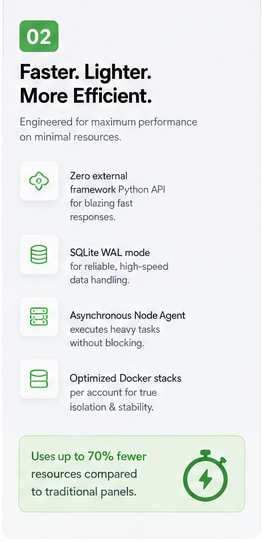
Ultra-Lightweight CorePure Python stdlib + SQLite backend delivers 70% memory savings.
Instant 1-Folder MigrationAll DB, accounts, and config reside in user_files/ for 1-step rsync moves.
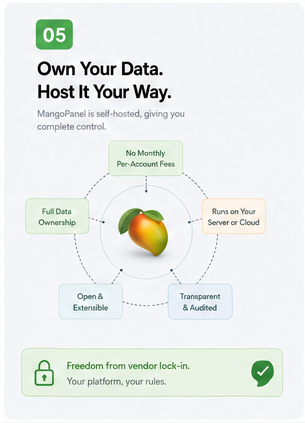
Zero Licensing Fees100% self-hosted & open-source with no per-user or per-domain tax.
Decoupled Node AgentPublic API never touches root; state updates execute asynchronously via agent.

Platform status at a glance

These are the same kinds of feature states MangoPanel shows inside the client portal. The page is honest about what is live, read-only, or intentionally unavailable.

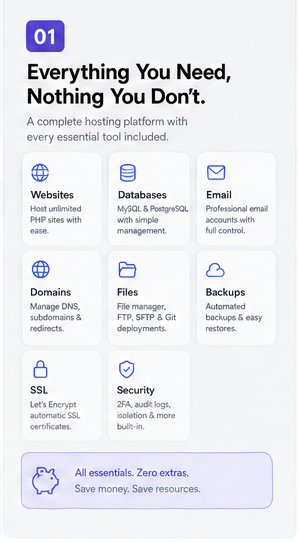
Files & SFTP

Functional

File manager, per-account credentials, and launch flow are live.

Databases

Functional

MySQL, PostgreSQL, and browser tools are wired into account stacks.

Email

Functional

Mailbox management, MX routing setup, storage metadata, and plan-based mail limits.

Backups

Functional

Manual backups, restore flow, and downloadable archives.

DNS & SSL

Functional

Managed DNS records, certificate issuance, and HTTPS routing.

Metrics

Read only

Traffic, visitors, errors, bandwidth, and resource views are surfaced from live data.

Webalizer

Unavailable

Not part of the current release, so the panel stays focused.

Jobs & Audit Trail

Functional

Every state change is queued, tracked, and visible to clients and admins.

What MangoPanel is built to do

The product spec is centered on real shared hosting operations: account provisioning, website management, mail, files, backups, DNS, and safe admin work.

Control plane

SQLite, migrations, and audit logs

The hosting brain stays small and observable: WAL-mode SQLite, scheduled backups, integrity checks, and logged operations.

Versioned state, auditable actions
Hosting model

One stack per customer account

Each customer gets isolated Docker services for the web stack, file manager, databases, mail relay, cron, SFTP, and tools.

Isolation at the account boundary
Site management

Domains, PHP versions, redirects, and SSL

Clients can manage websites without SSH, including version switching, HTTPS, document roots, and redirect rules.

Routing, certificates, and vhost control
Databases

MySQL and PostgreSQL workflows

Database creation, users, grants, remote allowlists, and browser access are built for ordinary hosting support work.

phpMyAdmin and browser tooling
Operations

Backups, cron, Git, and app installs

Routine maintenance is treated as first-class work: scheduled jobs, downloadable backups, deployments, and WordPress installs.

Job-backed operations, not one-off clicks
Security

JWT sessions, TOTP, and job-level checks

The panel keeps the public surface tight and refuses to perform sensitive actions without the right account and auth context.

Short-lived launch tokens and RBAC
Files

File manager, SFTP, and protected directories

Day-to-day file operations stay inside the account boundary, with the same access model the client sees in the dashboard.

Direct web tools and shell access
Delivery

Queued agent jobs with visible sync history

Nothing important vanishes into the void; state changes become jobs, and the panel shows what happened after the fact.

Sync history and completion tracking
Product map

Built around the product spec,
not a generic dashboard.

  • Shared hosting first

    The current product is for shared hosting accounts on one server or a small group of servers. VPS/KVM stays a later module.

  • Desired state plus agent jobs

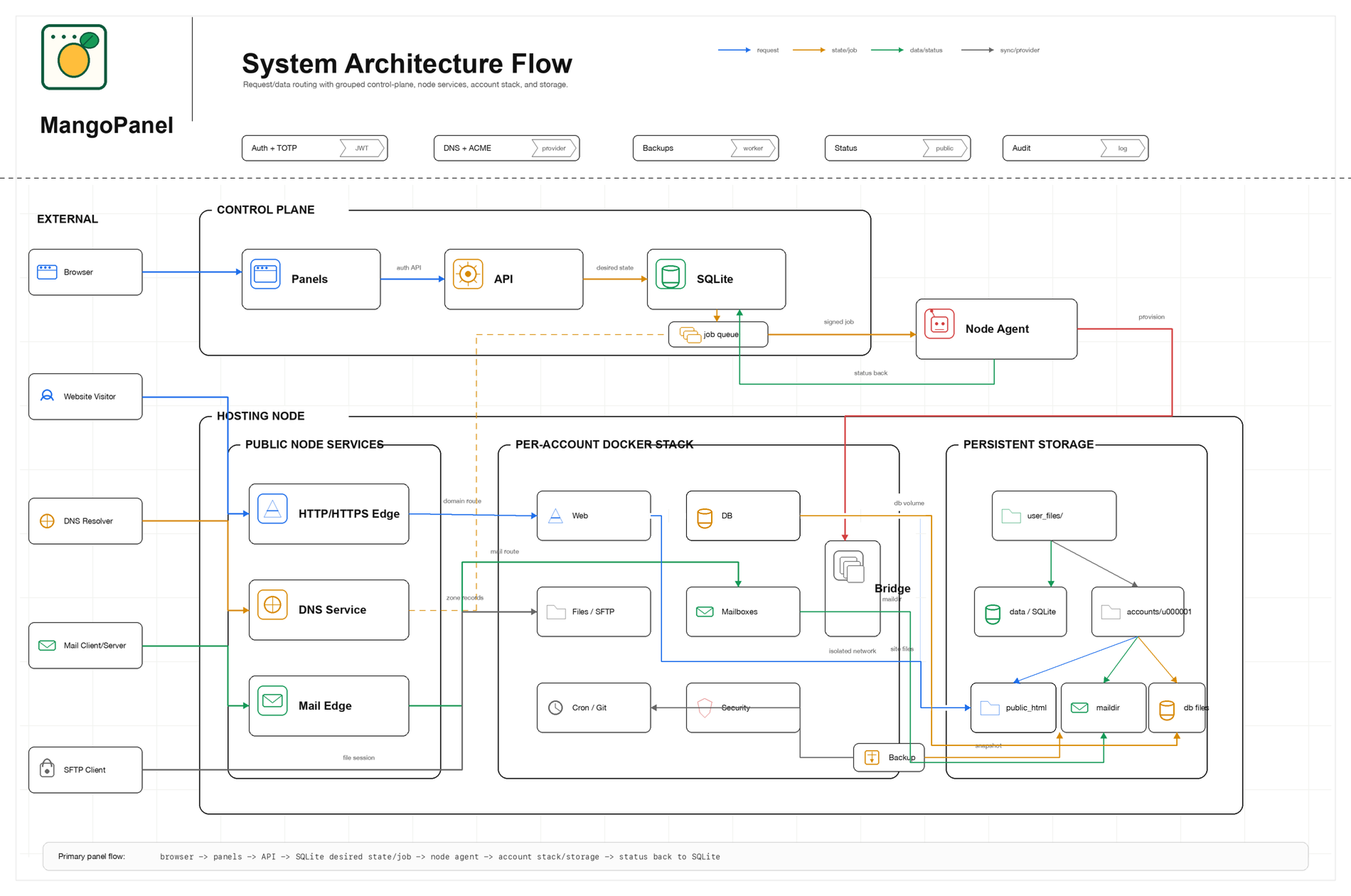
    The API records desired state in SQLite, then a local node agent executes the privileged work and writes back results.

  • Auditable by design

    Account provisioning, SSL issuance, mailboxes, backups, and site changes all leave a trace the operator can inspect later.

MangoPanel already acts like a real hosting product: clear limits, safe actions, and UI states that reflect the backend instead of pretending everything is instant.

MangoPanel system architecture diagram showing the client and admin panel, SQLite control plane, local agent, edge layer, per-account Docker stack, and persistent storage.
Shared-hosting-first architecture with isolated account stacks, queued jobs, and live edge services.

Tariq Abdullah

Founder of ServerMango

MangoPanel is shaped around the realities of shared hosting: small control plane, isolated account stacks, auditable jobs, short-lived tool launches, and UI states that tell the truth about what is live, read-only, or intentionally unavailable.